
Hi Courserians, last month, we announced that we are working with LinkedIn, the world’s largest professional network.
We are happy to let you know that now you can easily add any course you’ve completed to your LinkedIn profile directly from your Course Records page!
Look for the  button, click and voila, you’ve improved your Linkedin Profile!
Here’s where to find the 1-click button on your course records page: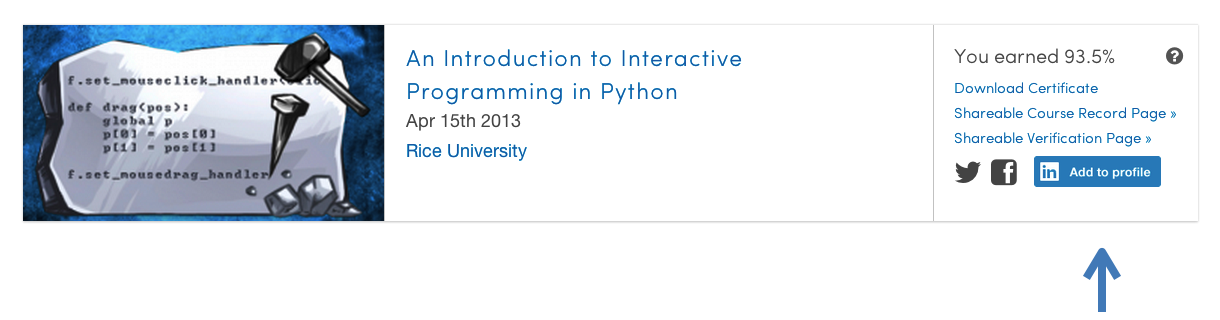
Don’t have any courses to add? Take some and advance your career with Coursera. Check out the great options for Verified Certificates!